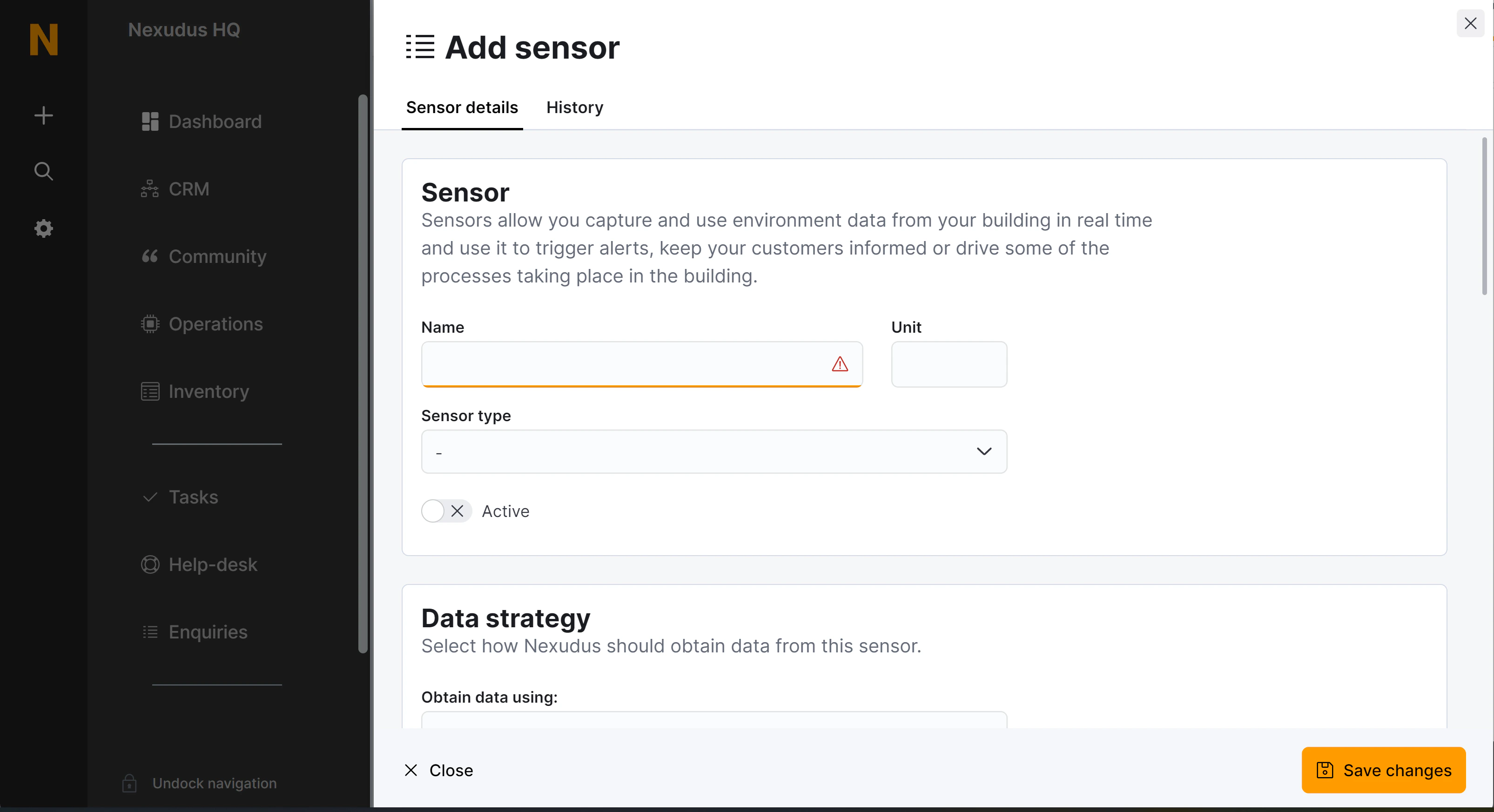
| Name | The name of the sensor as displayed in your dashboard and, if the sensor is published on your portal and app, as your customers will see it. | Name |
| Unit | A unit name or symbol to display by the current value of the sensor. | Unit |
| Sensor type | The kind of sensor this is. | SensorType |
| Active | Whether this sensor should collect and present data. | Active |
| Obtain data using | The way data should be pulled or received by this sensor. Polling: the data is fetched by Nexudus from an external endpoint every 15 minutes. Endpoint: Nexudus will create a dedicated endpoint URL to receive the data at. | DataStrategy (Polling | Endpoint) |
| Send an email alert | Trigger an alert when the “Trigger function” returns true. If no trigger function is provided the alert will be triggered in every poll or every time data is received in the endpoint. | ActionSendEmailAlert |
| Update unit/desk availability | Makes a desk unit available or not based on the value of the sensor. The value should be true, false or a decimal number. The unit will be marked as available if the sensor value is false or, if numeric, zero. Otherwise the floor plan unit will be made unavailable. | ActionUpdateDeskAvailability |
| Update booking occupancy | Sets the MaxOccupancy property of all the bookings taking place in the selected resource when the data is polled or received. The sensor value must be a valid integer or decimal value. The MaxOccupancy property is updated only if the received value is greater than the current value stored in that property. | ActionUpdateBookingOccupancy |
| Send alert to customer | Sends an email alert to customers with current bookings in the selected resource. The message is sent using the selected message macro. | ActionSendCustomerEmailAlert |
| Start a booking | Starts any bookings currently taking place in the selected resource. | ActionBookingStart |
| Terminate a booking | Terminates any bookings currently taking place in the selected resource. | ActionBookingTerminate |
| Trigger function | An optional function to evaluate every time data is polled or received. The selected actions will only run if the function returns a true value. | ActionTriggerFunction |
| Show as a tile in the ‘Now’ dashboard | Display this sensor, its current value and last 12 hours history in the home page of the Nexudus dashboard. | ShowInNowDashboard |
| Show in the portal or the app when users are logged in | Display this sensor, its current value and last 12 hours history in the home page of the members portal and app. | ShowInPortal |
| Shared signature secret | A shared key to validate the source of incoming data. Only used when the data strategy is Endpoint. | SharedSecret |