

Password Recovery
The password recovery page is step one of the password reset flow. Members enter their email address to receive a reset link.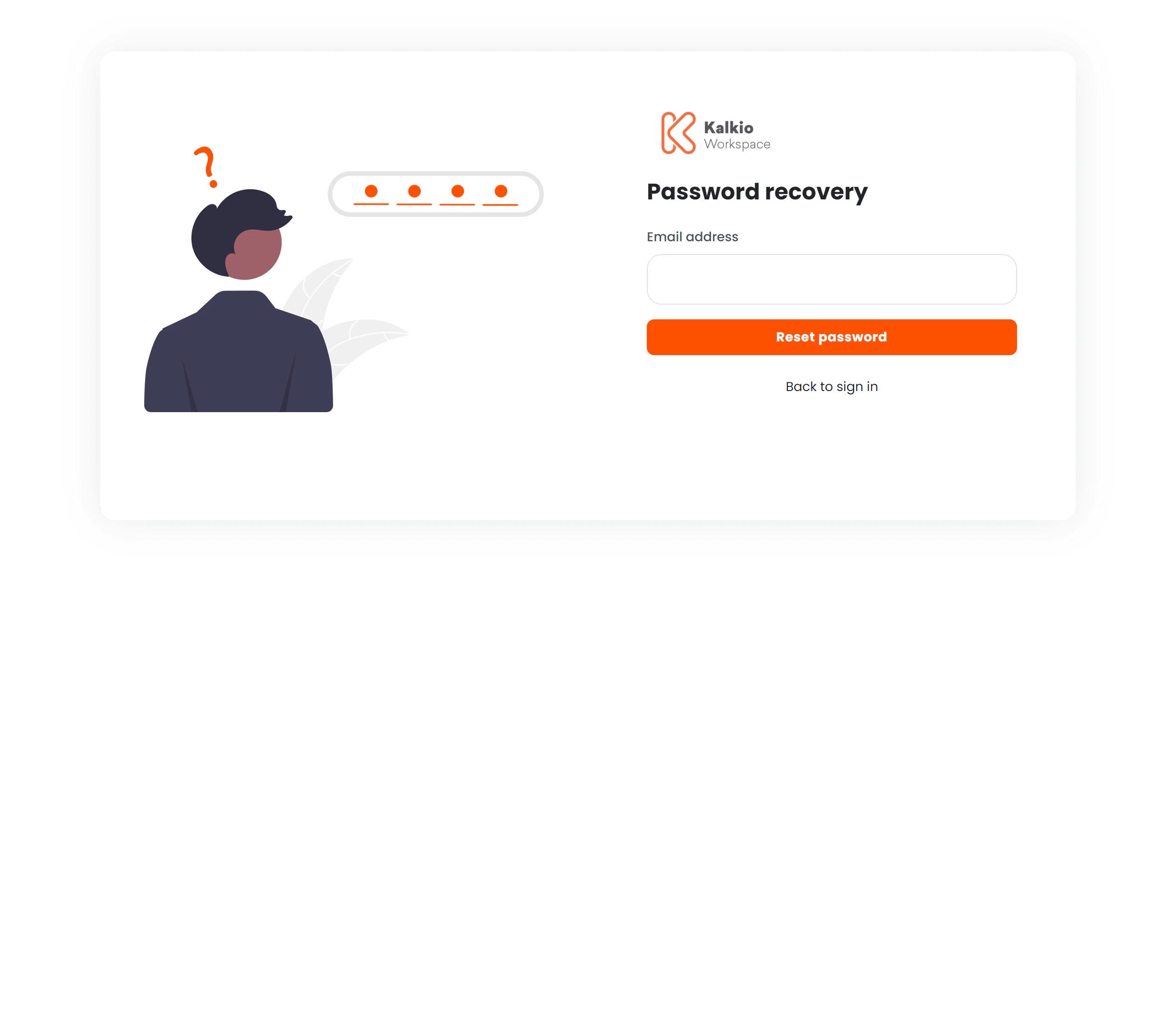
Flow
- Member enters their email address.
- Clicks Reset password (a loading spinner indicates the request is being processed).
- A confirmation message appears confirming the email was sent.
- Go to Inbox shortcuts appear for Gmail, Outlook, iCloud, and Yahoo.
- Member clicks the reset link in their email to proceed to the Password Reset page.
Page layout
| Side | Content |
|---|---|
| Left | ”Forgot Password” illustration (hidden on mobile) |
| Right | Email form, confirmation message, and inbox shortcuts |