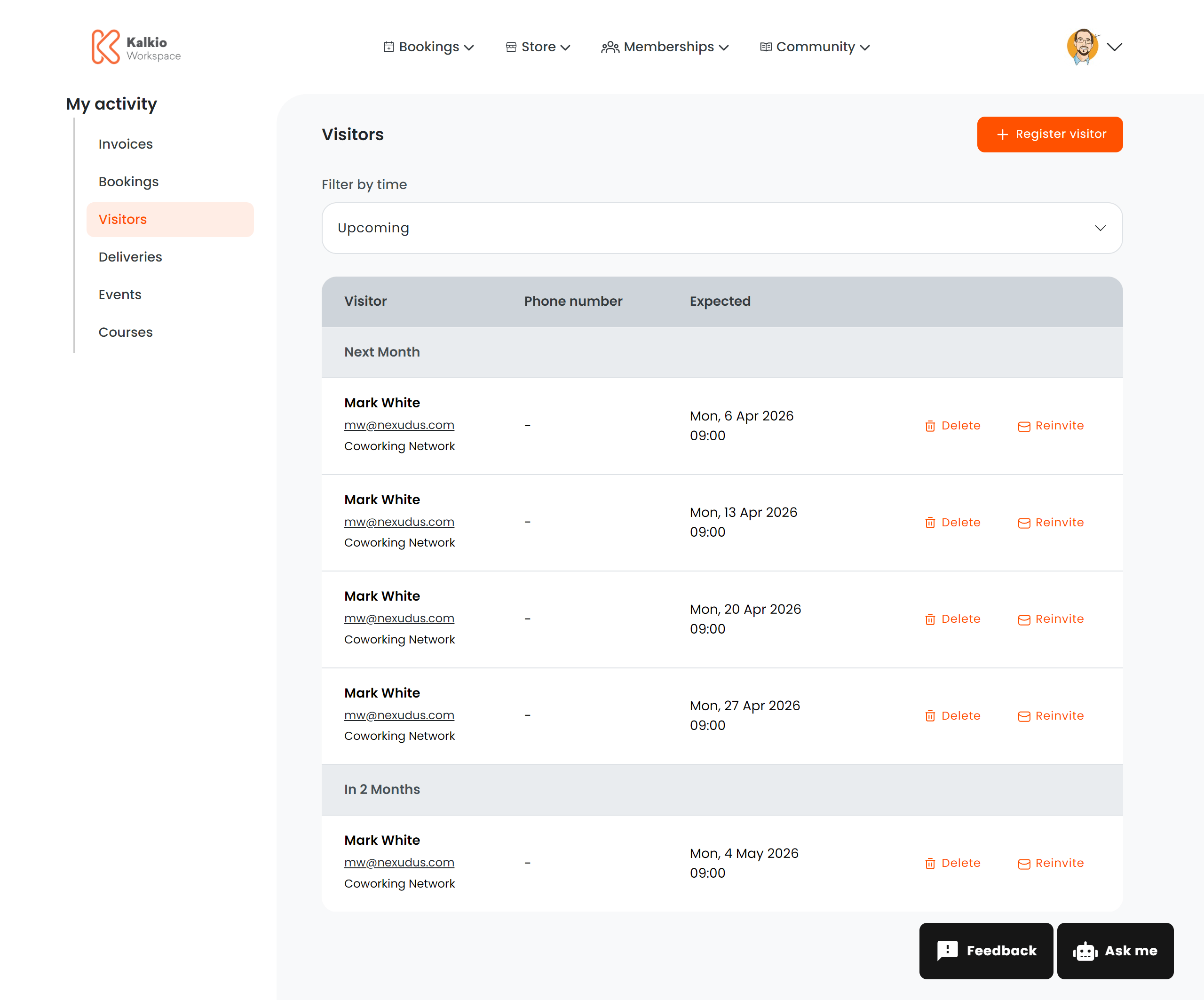
The visitors page lets members register guests who will be visiting the coworking space and manage existing visitor registrations.
What members see
A list of registered visitors grouped by expected arrival date. Each row shows:
| Column | Description |
|---|
| Full name | Visitor’s name |
| Email | Clickable mailto link |
| Phone | Clickable tel link |
| Business / location | The location the visitor is expected at |
| Expected arrival | Scheduled date and time (or “Not specified”) |
| Notes | Any custom notes about the visit, displayed with a visual accent |
Actions
| Action | Description |
|---|
| Register New Visitor | Opens a modal form to add a new visitor with name, email, phone, expected arrival, and notes |
| Delete Visitor | Removes a visitor registration. Blocked if the visitor has already arrived or the arrival date has passed. |
| Reinvite Visitor | Resends the visitor notification |
Deep linking
Appending ?action=create to the URL automatically opens the visitor registration form — useful for linking from other pages or emails.
Configurable sections
| Setting | Default | Effect |
|---|
| Show title | On | Display the section heading |
| Show Register Visitor button | On | Show the add visitor action |
| Show filter bar | On | Show the time filter (upcoming/past) |
| Show delete button | On | Enable visitor deletion |
| Show reinvite button | On | Enable resending invitations |
Visitor registration can integrate with access control systems so your front desk or smart locks know to expect the guest.