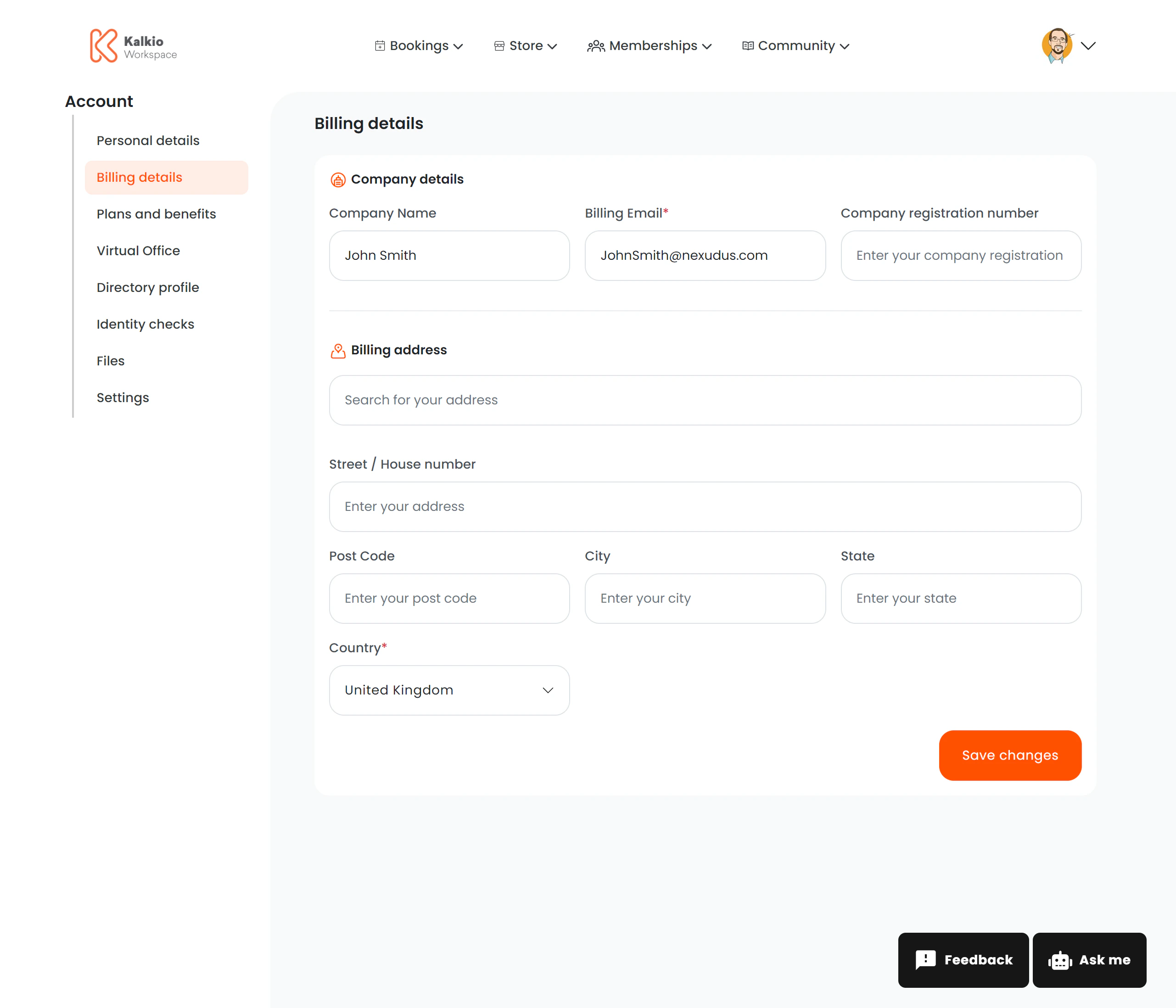
The billing information page lets members update their invoicing details and manage electronic invoicing identifiers.
What members see
The page is split into two sections:
Billing Details
| Field | Description |
|---|
| Billing name | Name that appears on invoices |
| Tax ID | Tax identification number for invoicing |
E-Invoicing (conditional)
This section only appears if Storecove (electronic invoicing) is enabled for your location. It lets members manage their e-invoice identifiers for automated invoice delivery.
| Action | Description |
|---|
| View identifiers | Table listing configured e-invoice identifiers |
| Add identifier | Form to add a new e-invoicing identifier |
| Edit identifier | Modify an existing identifier |
| Delete identifier | Remove an identifier |
Key features
- Split layout — billing details and e-invoicing are independent sections that can be toggled separately.
- Conditional rendering — e-invoicing only shows when the Storecove integration is active.
- Analytics — billing updates are tracked (“billing_details_updated” event).
If you use Storecove for electronic invoicing, make sure the E-Invoicing section is visible so members can configure their identifiers.