

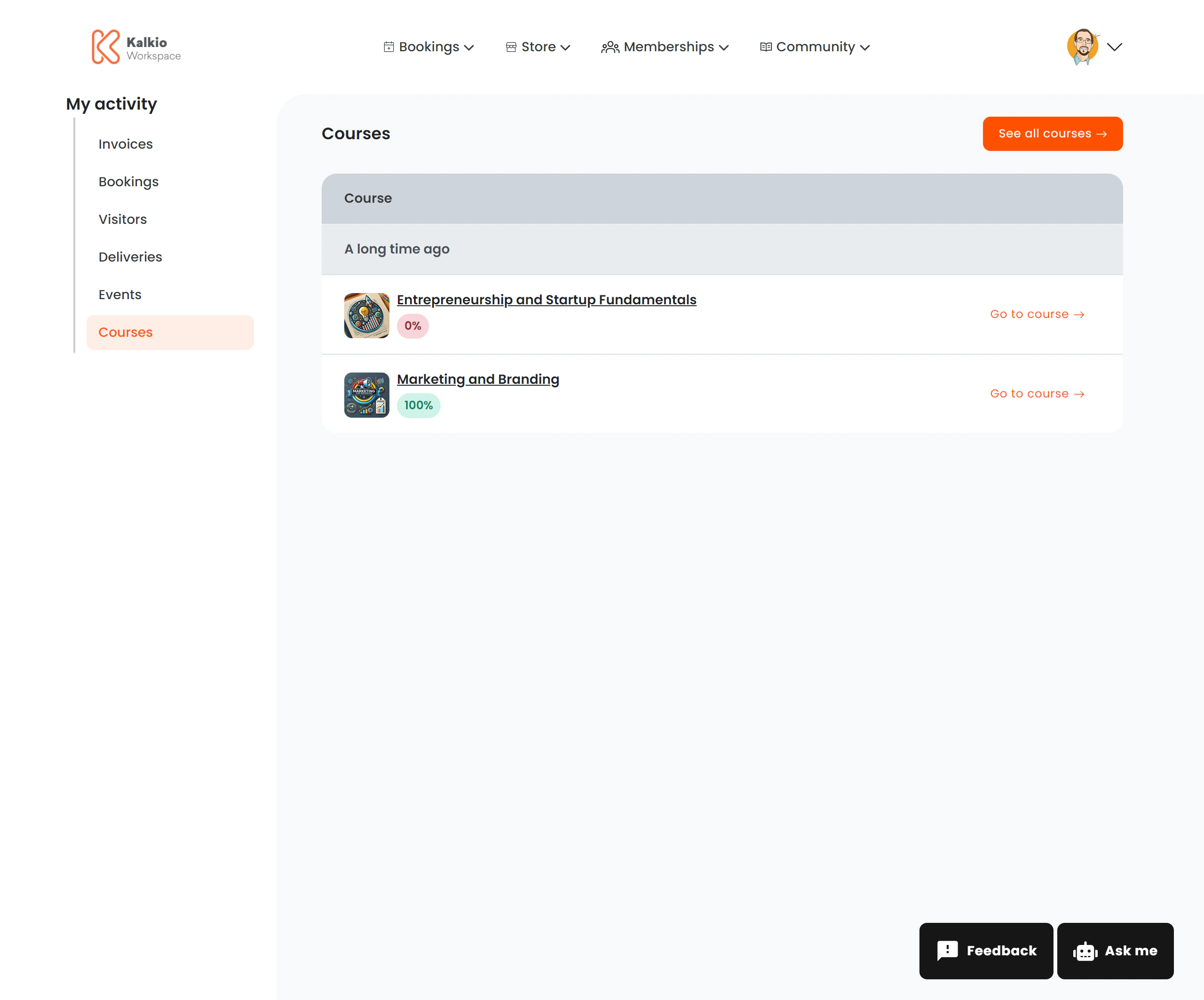
What members see
A list of enrolled courses grouped by enrolment date. Each row shows:| Column | Description |
|---|---|
| Course title | Name of the course |
| Course image | Thumbnail (optional) |
| Provider | The business or instructor offering the course |
| Progress badge | Colour-coded completion percentage |
Progress badges
| Colour | Meaning |
|---|---|
| Red (0%) | Not started |
| Yellow (1–99%) | In progress |
| Green (100%) | Completed |
Actions
| Action | Description |
|---|---|
| Go to Course | Opens the course content for the member to continue |
| See All Courses | Link to the course catalogue |
Configurable sections
| Setting | Default | Effect |
|---|---|---|
| Show title | On | Display the section heading |
| Show course image | On | Display course thumbnails |
| Show progress badge | On | Show the completion percentage |
| Show See All Courses button | On | Link to the course catalogue |