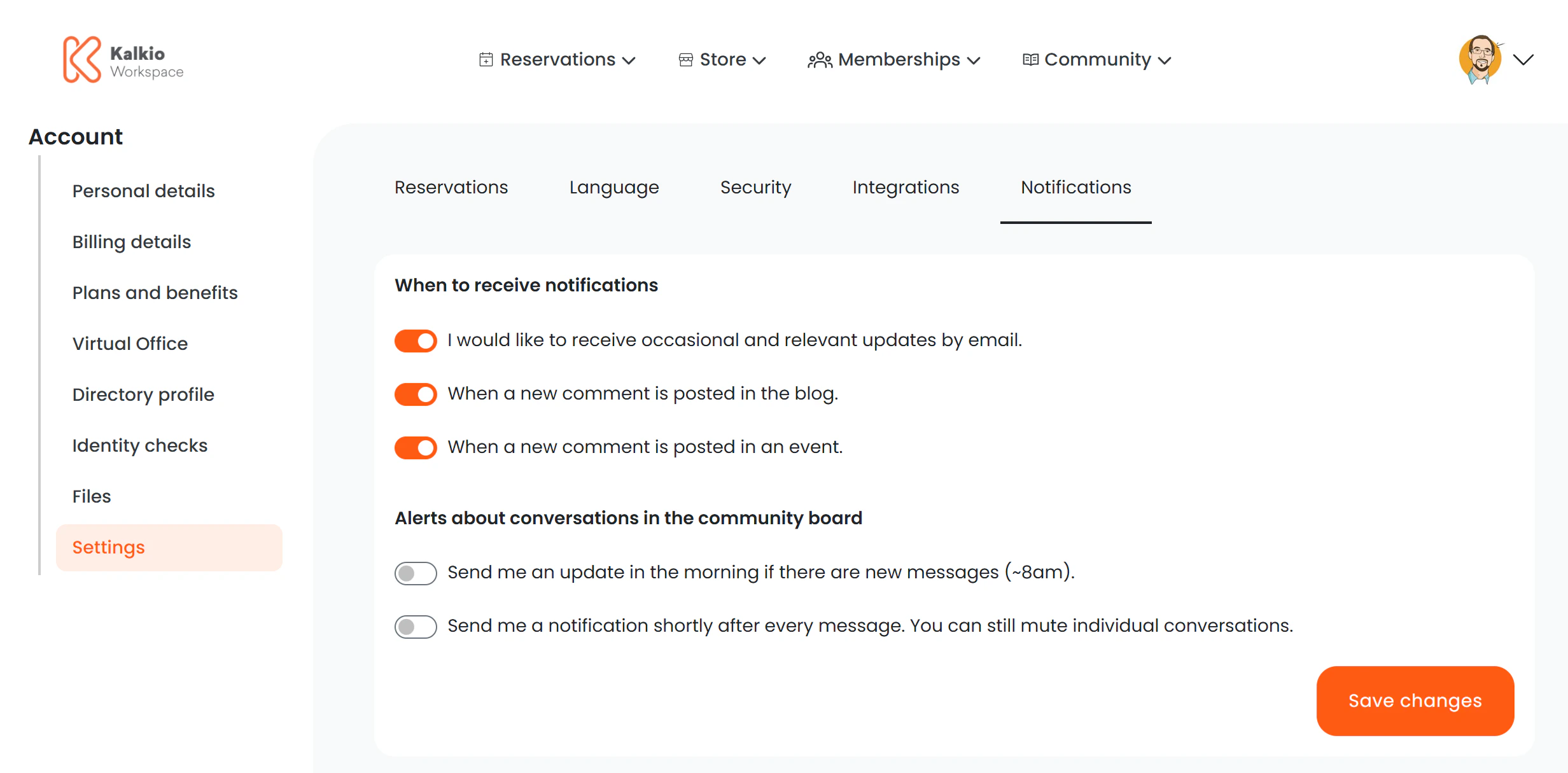
The account settings page is a tabbed interface that gives members access to several configuration areas from a single location.
Settings tabs
The URL parameter :section determines which tab is active. Each tab loads a dedicated settings page:
| Tab | URL | Description |
|---|
| Bookings | /user/profile/settings/bookings | Configure booking preferences and prediction settings |
| Notifications | /user/profile/settings/notifications | Manage email notifications and digest preferences |
| Language | /user/profile/settings/language | Choose the preferred language for the portal |
| Integrations | /user/profile/settings/integrations | Calendar sync and feed management (same as the standalone Integrations page) |
| Security | /user/profile/settings/security | Password and PIN management (same as the standalone Credentials page) |
Key features
- Tab-based navigation — members switch between settings areas without page reloads.
- Deep linking — each tab has a unique URL, so you can link members directly to a specific settings section.
- Shared components — the Integrations and Security tabs render the same components as their standalone pages, ensuring consistency.
You can link members to a specific settings tab from onboarding emails, e.g. /user/profile/settings/notifications to set up their notification
preferences.