Store
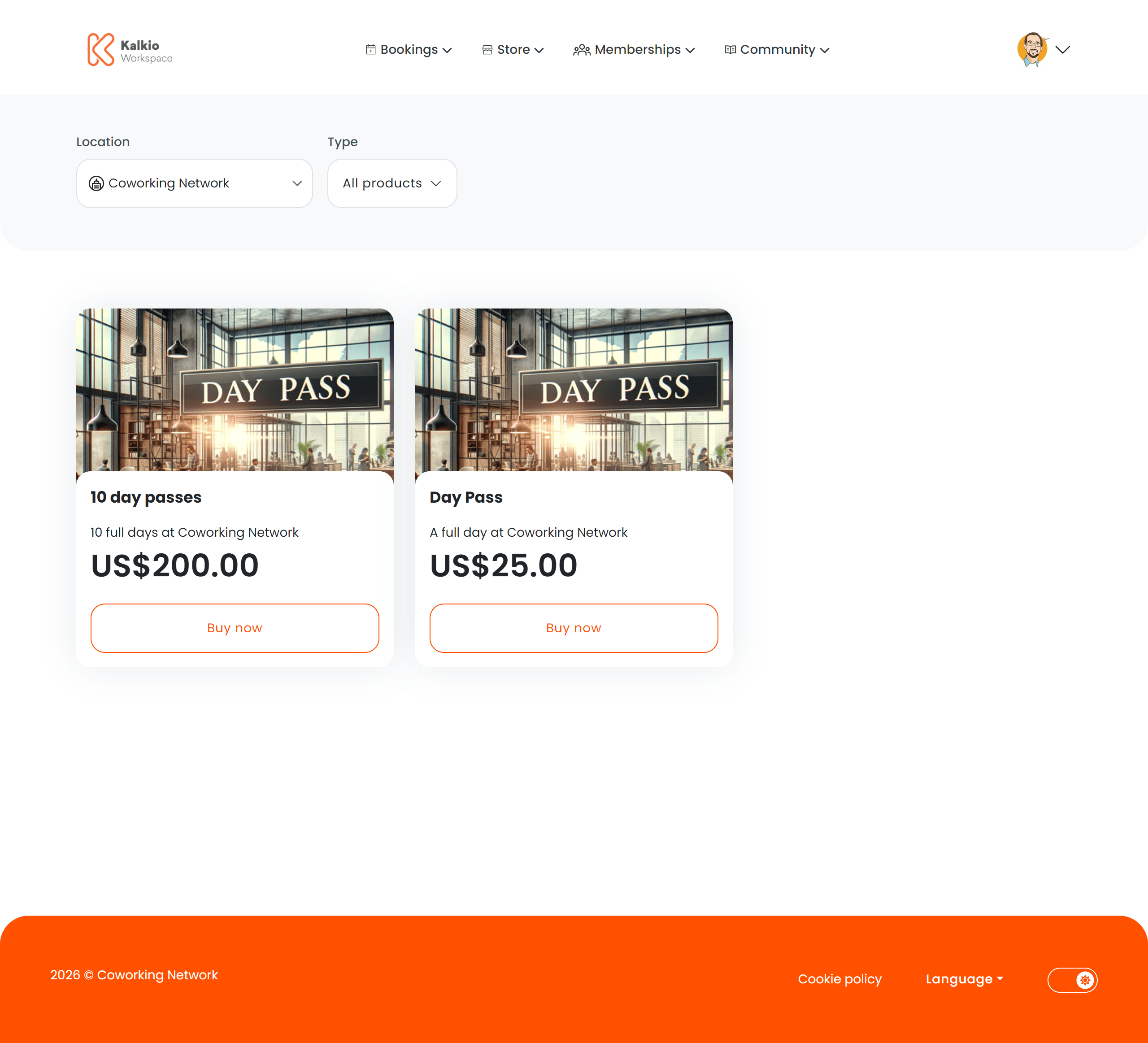
The store page is a browsable catalogue of all products available for purchase — memberships, time passes, add-on services, and physical goods.
What members see
Products are displayed in a responsive grid. Each product card shows:
- Product image
- Product name and description
- Price (in the location’s currency)
- Out-of-stock badge when inventory is depleted
Clicking a product card navigates to the individual Product Checkout page.
Filtering
| Filter | Description |
|---|
| Product type | Filter by category — memberships, passes, products, add-ons, etc. |
| Location | Filter by business location (multi-site setups) |
/store/all, /store/:type) so you can link directly to a filtered view.
Key features
- AI-assisted recommendations — an optional AI prompt suggests products based on the member’s needs.
- Authentication awareness — unauthenticated visitors see login/signup prompts. Non-members see relevant guidance.
- Dynamic pricing — prices respect location billing settings and hide when billing is not enabled.
- Responsive grid — card sizes adapt to screen width with configurable minimum widths and gaps.
Configurable sections
| Setting | Default | Effect |
|---|
| Show filters | On | Display the filter bar |
| Show product types | On | Show the product type dropdown |
| Show location selector | On | Show the location filter |
| Show description | On | Show product descriptions on cards |
| Show price | On | Show pricing on cards |
| Show image | On | Show product images |
| Grid gap | 1.5rem | Spacing between cards |
| Min card width | 300px | Minimum card width for the responsive grid |
Link directly to /store/all from your website or marketing emails to send visitors straight to your product catalogue.